Table of Contents
ToggleGTR Academy – Salesforce Admin & Platform App Builder Online Course
190,000+ strong network, Global expertise, practical skills, & ethical leadership.
- Learn LIVE from the Masters of Industry
- Real life Case-studies and Projects
- Greenfield Implementation project experience sharing
- Placement Preparations & Mock interviews
- Resume preparation
- Huge database of training documents
Book a free Call Back
Where Our Students Work





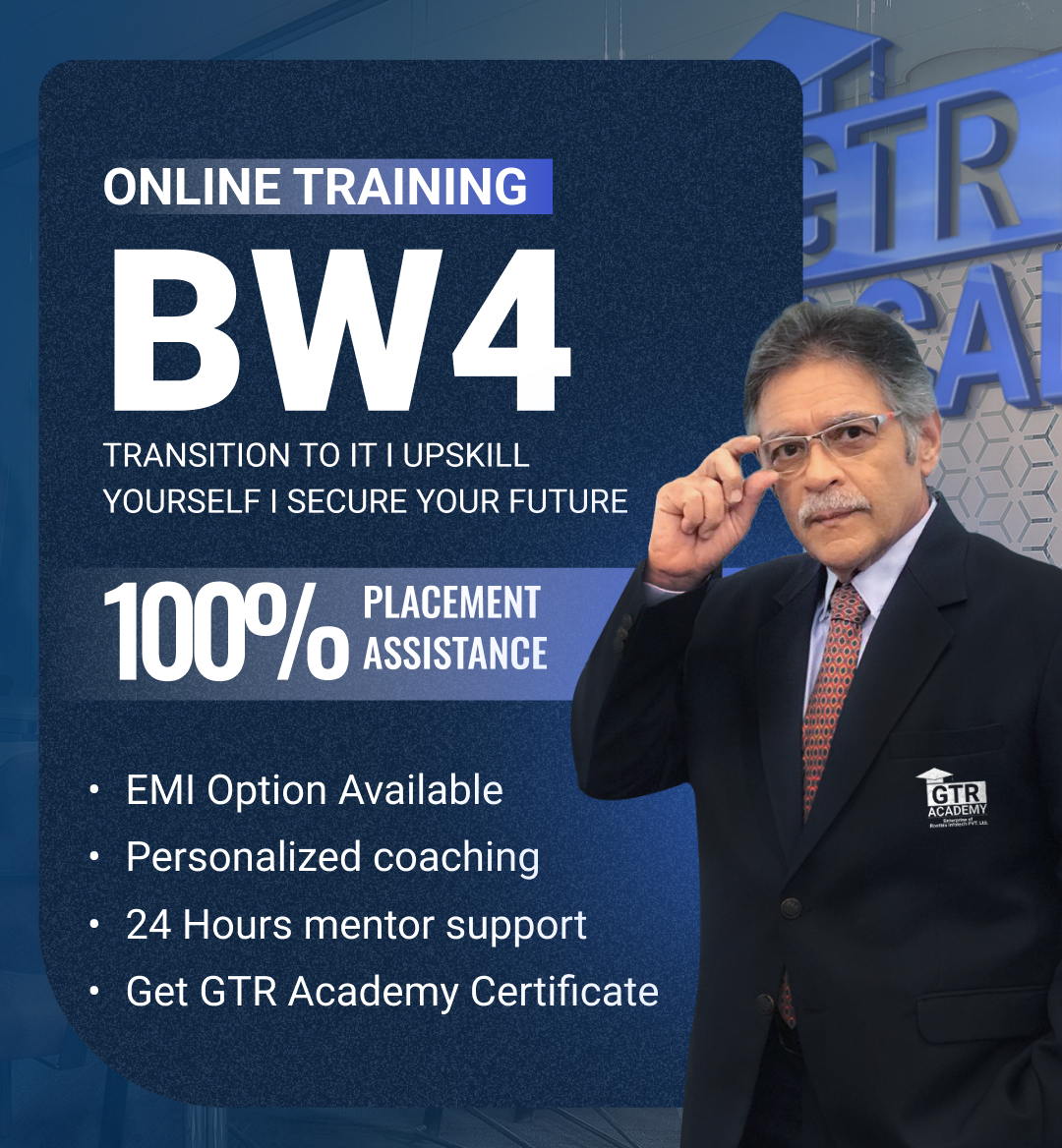
About The Course
Data Engineering Course, This Course is focuses on equipping students with skills, knowledge, and practical’s necessary for developing and managing contemporary data engineering projects. In a world that is increasingly data, driven, companies require strong data pipelines, scalable architectures, and cloud, based solutions to not only harness the value of enormous amounts of data but also to be ready for data engineer jobs.
At GTR Academy, we intend to do this in a very detailed manner starting from the very basic concepts of data engineering like SQL and Python, then moving on to big data processing solutions like Hadoop and Spark, followed by cloud solutions (AWS), and then pushing towards ETL, Data Warehousing, DevOps, and Data Security concepts.
Moreover, our Data Engineering also covers courses like Data Structures, Algorithms, and System Design that enable students to have the knowledge and skills required to create scalable and high, performing systems, and get a Data Engineer Certification. With its perfect blend of theories, lab exercises, and live projects, this course molds learners into an industry, ready Data Engineer Roadmap.
Pave Your Road to Salesforce Admin Excellence, Lead in Salesforce Admin
Program
Highlights

Career in Data Engineering

In-Depth Learning

Skill Enhancement
This is the heading
In-Depth Learning
Skill Enhancement
Step into the world of high-paying SAP careers!

Know your Mentor
- Expert in SAP EWM S/4HANA
- Strong knowledge of Warehouse Strategies & Operations
- Strong knowledge of Warehouse Strategies & Operation
- Strong knowledge of Warehouse Strategies & Operation
- 8+ Years Of Experience
- Focuses on real-time projects & practical learning
Salesforce Admin Course Curriculum

Module 1: ERP INTRODUCTION
- Manual Business process and its limitations ERP Productss
- Introduction to SAP and its Modules s
- Role of ABAP Consultant in SAP Projects s
- Role of ABAP Consultant in object Development
Module 2: LOCAL STRUCTURES
- Creating Structures
- Nested Structures
- Including Structures
- Move and Move-Corresponding Statements
Module 3: SAP S/4 ARCHITECTURE
- Application Server Service
- ABAP Workbench
- R/3 Landscape
- Client Concept in SAP
Module 4: DICTIONARY OBJECTS
- Table creation using direct data type
- Table creation using data elements and domain
- Currency and Quantity field
- Client Independent Table
- Table creation minimum setting
- Reference tables and Reference field
- Dictionary Structure
- .Append and .Include Structure
- Table Maintenance Generator s
- Events at Table Level s
- Table Buffering s
- Primary and Secondary Indexes s
- Foreign key Relationship s
- Check Tables and Value Tables s
- Views View Cluster s
- Lock objects s
- Type-Groups s
- Table Types s
Module 5: ABAP BASIC STATEMENTS
- Data, Write, Constant and Parameter Statements and their attributes
- CONDITIONAL and LOOPING Statements
- Check Boxes and Radio Buttons
- Submit, Import, Export keywords
- Field-symbols
Module 6: DATABASE ACCESS
- Open and Native SQL statements
- Select, Insert, Delete and Update statements
- Select-End Select
- Insert, Delete and Modify statements
- Select-single, Select up to 1 row
- Cursors – Open SQL & Native SQL
Module 7: STRING FUNCTIONS
- Shift Replace
- Translate
- Overlay
- Strlen
- Condense
- Concatenate
- Split
Module 8: INTERNAL TABLES
Module 9: SELECTION SCREEN PROGRAMMING
Module 9: SELECTION SCREEN PROGRAMMING
- Creating Simple and Tabbed Blocks
- Creating Push Buttons and Labels
- Dropdown List boxes
- Grouping Selection screen elements
- Event Handling in Selection Screens
- SCREEN Structure
- Creating Sub-screens
- Creating Application
- Toolbar Push Buttons Using Function Keys
- Menu Painter tool
- At User-command event
- At PF-Status event
Module 10: MESSAGE CLASSES
- Creating Simple and Tabbed Blocks
- Creating Push Buttons and Labels
- Dropdown List boxes
- Grouping Selection screen elements
- Event Handling in Selection Screens
- SCREEN Structure
- Creating Sub-screens
- Creating Application
- Toolbar Push Buttons Using Function Keys
- Menu Painter tool
- At User-command event
- At PF-Status event
Module 11: REPORTS
- Creating Simple and Tabbed Blocks
- Creating Push Buttons and Labels
- Dropdown List boxes
- Grouping Selection screen elements
- Event Handling in Selection Screens
- SCREEN Structure
- Creating Sub-screens
- Creating Application
- Toolbar Push Buttons Using Function Keys
- Menu Painter tool
- At User-command event
- At PF-Status event
Module 12: MODULARIZATION TECHNIQUES
- Internal and External Subroutines
- Actual and Formal Parameters
- Pass by Value and Reference
- Changing Parameters
- Passing Internal Tables as Parameters
- Include Program
- Macros and Function Modules
Module 13: MODULE POOL PROGRAMMING
- Introduction to Screen Painter tool
- Events in Module Pool
- PBO, PAI, POV, POH
- Working with Table Control
- Tab Strip Control Designing Subscreens
- Modal Dialog boxes
- Drop Down List Boxes
- Navigating between Screens
- Select-option Functionality in MPP
- Field Validation
- Automatic Field Validations
- Flow Logic Validations
- Module Pool Validatio
Module 14: FUNCTION MODULES
- Creating Function Groups
- Function Builder tool
- Types of Parameters in Function Module
- Optional and Default Parameters
- Exception Handling in Function Modules
Who is this course for ?
- Senior SAP ABAP Developer
- Proficient in developing all RICEF objects, BTP basic OData, and CDS views.
- Over 500,000 lines of code authored and maintained, enhancing system stability and performance.
- Extensive expertise in SAP ABAP development with 6 years of experience.
- 5000+ hours of training and knowledge transfer to other developers.
- Technical support experience in SAP MM, PP, SD, and FI modules, ensuring timely issue resolution.
Training Delivery
Discovery call
A call to evaluate training requirements and adjust course and delivery accordingly.
Design of Customized Curriculum
A call with the Certified Instructor to address specific queries and requirements.
Design of Customized Curriculum
Tailored curriculum to meet specific learning objectives and organizational needs.
Discovery call
A call to evaluate training requirements and adjust course and delivery accordingly.
Design of Customized Curriculum
A call with the Certified Instructor to address specific queries and requirements.
Design of Customized Curriculum
Tailored curriculum to meet specific learning objectives and organizational needs.
Discovery call
A call to evaluate training requirements and adjust course and delivery accordingly.
Design of Customized Curriculum
A call with the Certified Instructor to address specific queries and requirements.
Design of Customized Curriculum
Tailored curriculum to meet specific learning objectives and organizational needs.
Student Video Testimonial
Watch heartfelt testimonials from our students, sharing their firsthand experiences and
success stories about their transformative learning journeys at our institution.
Hear from our students
Explore firsthand accounts of student experiences. Hear their stories, triumphs, and insights that make our community exceptional. Real voices, real impact.
If you are willing to start your career in SAP or if you are already an SAP professional and want to enhance your knowledge for better career growth , Then GTR Academy is one stop solution for all of us . As the mentor is extremely professional and has a wide experience in multiple MNCs , The depth knowledge and level of teaching.
If you are willing to start your career in SAP or if you are already an SAP professional and want to enhance your knowledge for better career growth , Then GTR Academy is one stop solution for all of us . As the mentor is extremely professional and has a wide experience in multiple MNCs , The depth knowledge and level of teaching.
SAP ABAP S/4 HANA
Live Online₹60,000
₹29,500
- INR 29,500 now and INR 30,000 post-placement after 3 months (GST exclusive).
SAP ABAP S/4 HANA
Live Online₹60,000
₹29,500
- INR 29,500 now and INR 30,000 post-placement after 3 months (GST exclusive).
Approved Training partner
Approved Training partner under the scheme for market-led fee-based services implemented by Nasscom




-
Showcase on
LinkedIn and resume -
Share achievements on
social platforms -
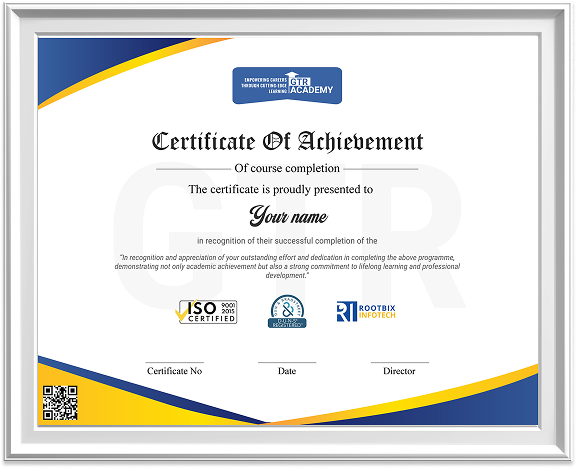
Earn a Tier 1 certification
from GTR Academy
Disclaimer: This is an independent training program designed to provide conceptual and practical knowledge of SAP-related skills. SAP is a registered trademark of SAP SE. GTR Academy is not an SAP authorized training partner and does not claim any association with SAP SE. Course names are used strictly for identification and reference purposes only.